Automatic or Guided
Automatic picks every setting from your data. Guided gives each step one to three sliders with a live preview, a reset button and a short "?" explanation for every concept.
 PixAstro
Free · Works offline · No account
Drop in the folder with your frames, press Process and get a finished image. PixAstro calibrates, stacks, removes gradients, balances colour and stretches — no theory required.
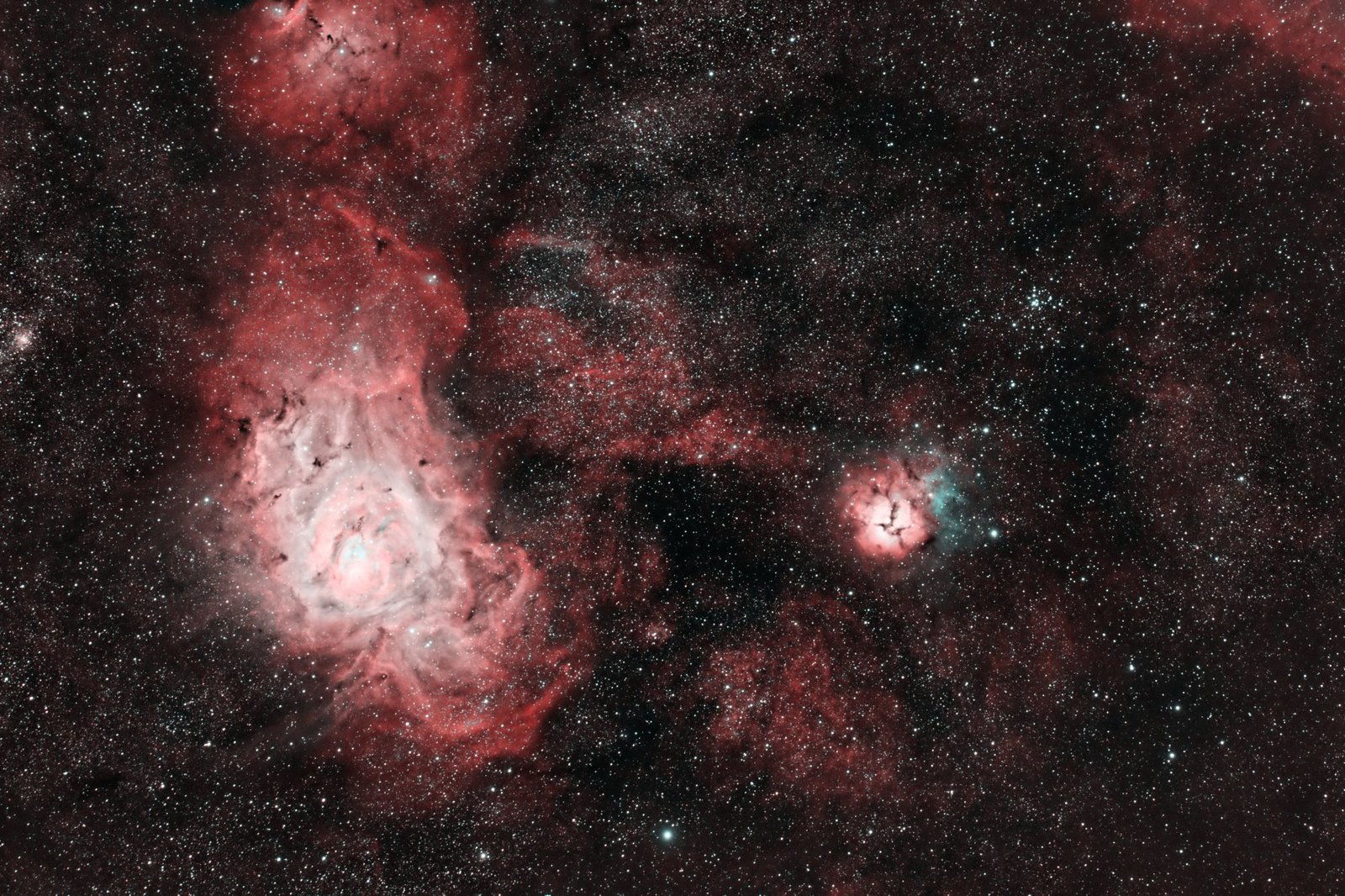
Before / after
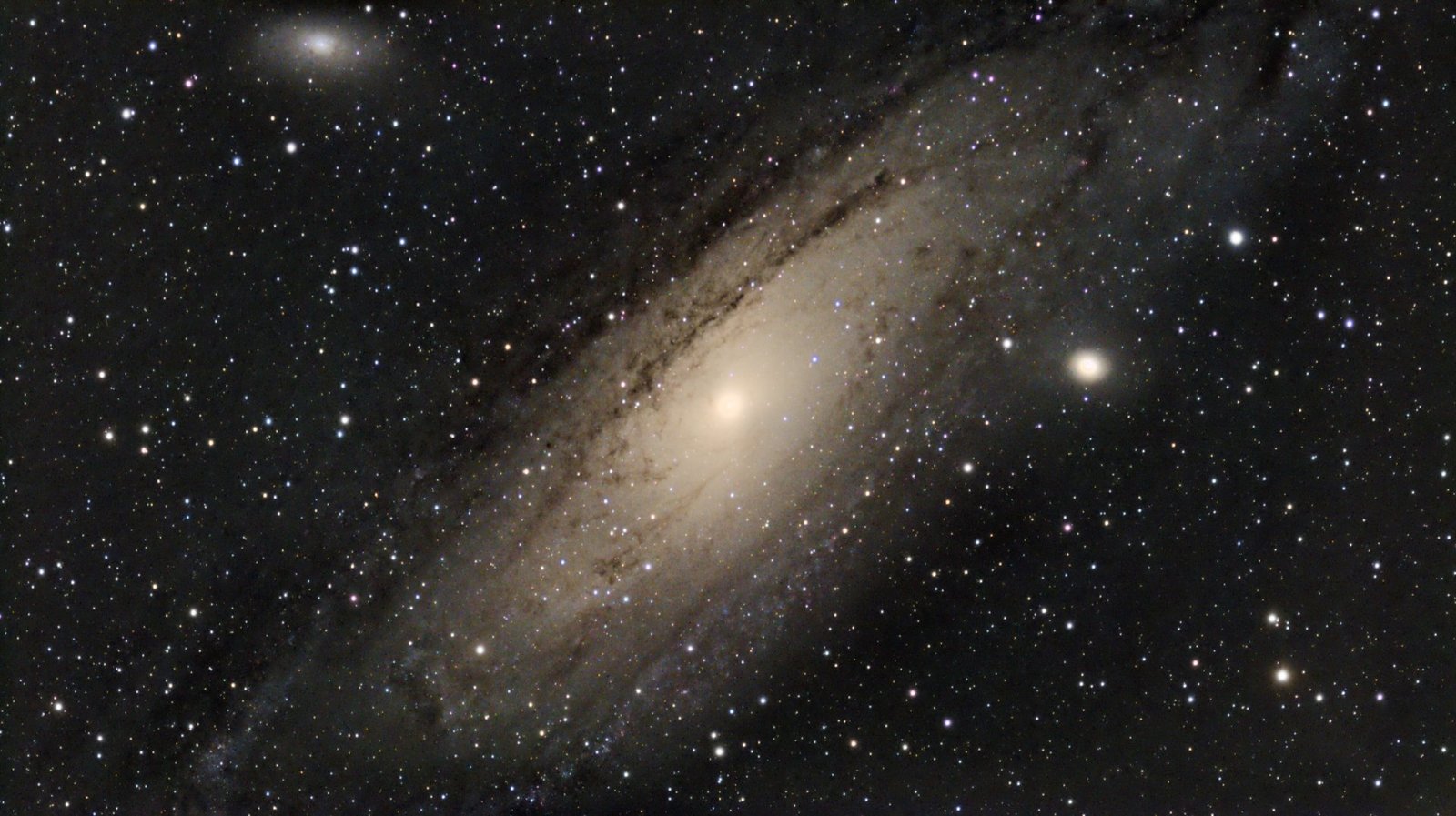
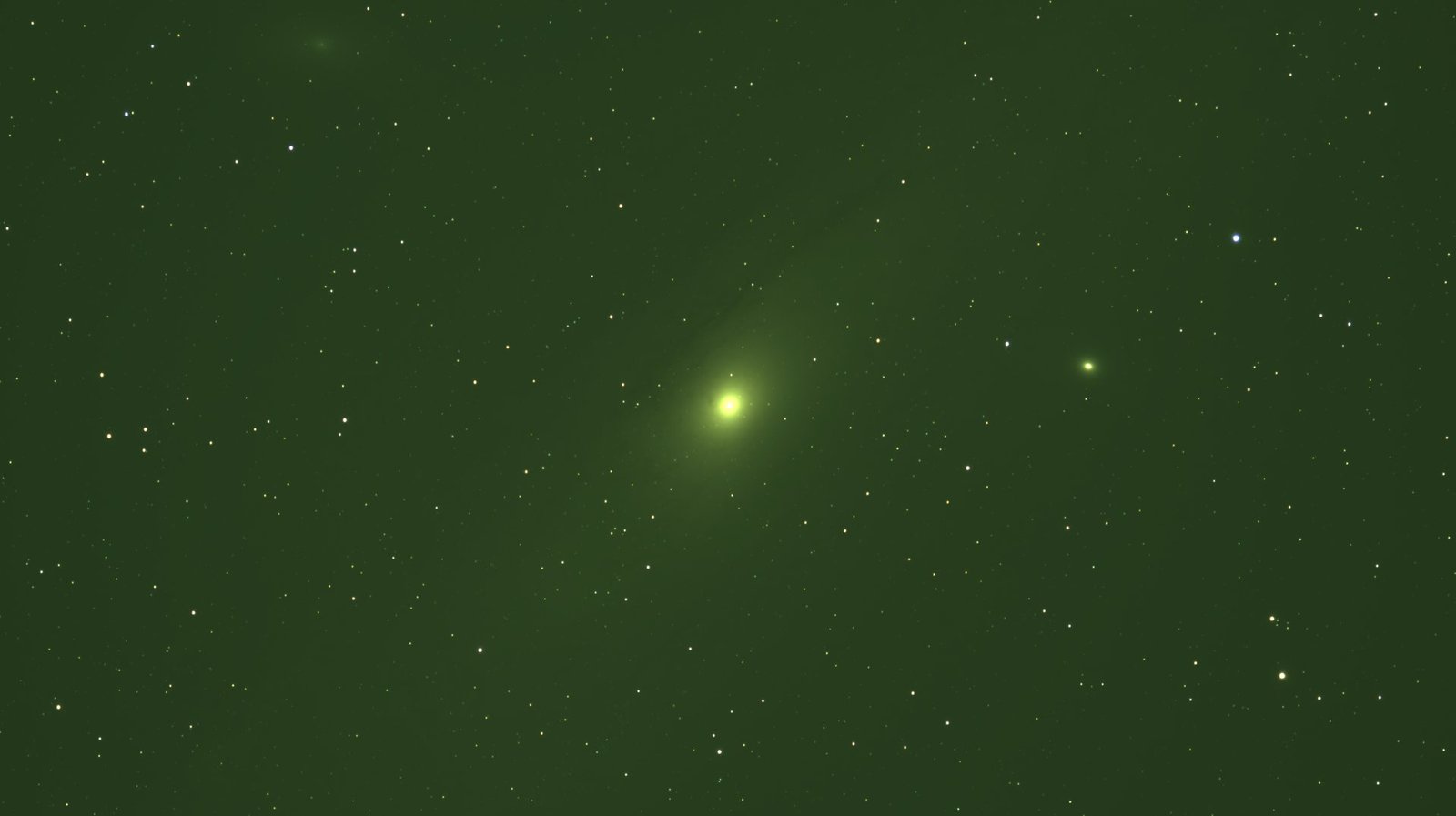
Left: the stacked data exactly as the camera recorded it. Right: what PixAstro makes of it, in automatic mode, without touching a single slider. Drag to compare.
How it works
Drag in the session folder. PixAstro works out which frames are lights, darks, flats and bias — from the header, the file name or the image itself.
One button runs the whole pipeline: calibration, quality check, star alignment, stacking, gradient removal, colour, stretch, noise and star reduction.
Pick the kind of object, compare before and after, and save as 16-bit TIFF, 32-bit FITS, PNG or JPG.
Features
Automatic picks every setting from your data. Guided gives each step one to three sliders with a live preview, a reset button and a short "?" explanation for every concept.
Load every panel at once. PixAstro finds each field, stacks it and joins them using the stars in the overlaps, matching background and transparency.
Recognises each filter and combines LRGB, RGB, HOO or SHO. Dual-band filters on colour cameras are detected and composed as HOO.
FITS (mono, colour, Bayer), camera RAW (CR2, CR3, NEF, ARW, RAF, DNG…), TIFF, PNG and JPG. Made with ASIAIR, Seestar and DSLR sessions in mind.
Satellites, planes and hot pixels are rejected. The worst frames are discarded and the least noisy ones weigh more.
The whole interface turns dim red on black, so you can use it next to the telescope without losing your dark adaptation.
On your phone, plug in the drive with your frames and process them right there in the field — no computer needed.
Works completely offline and never sends your data. Your original files are never changed or moved. No account, no subscription, no installer, no admin rights.
Gallery
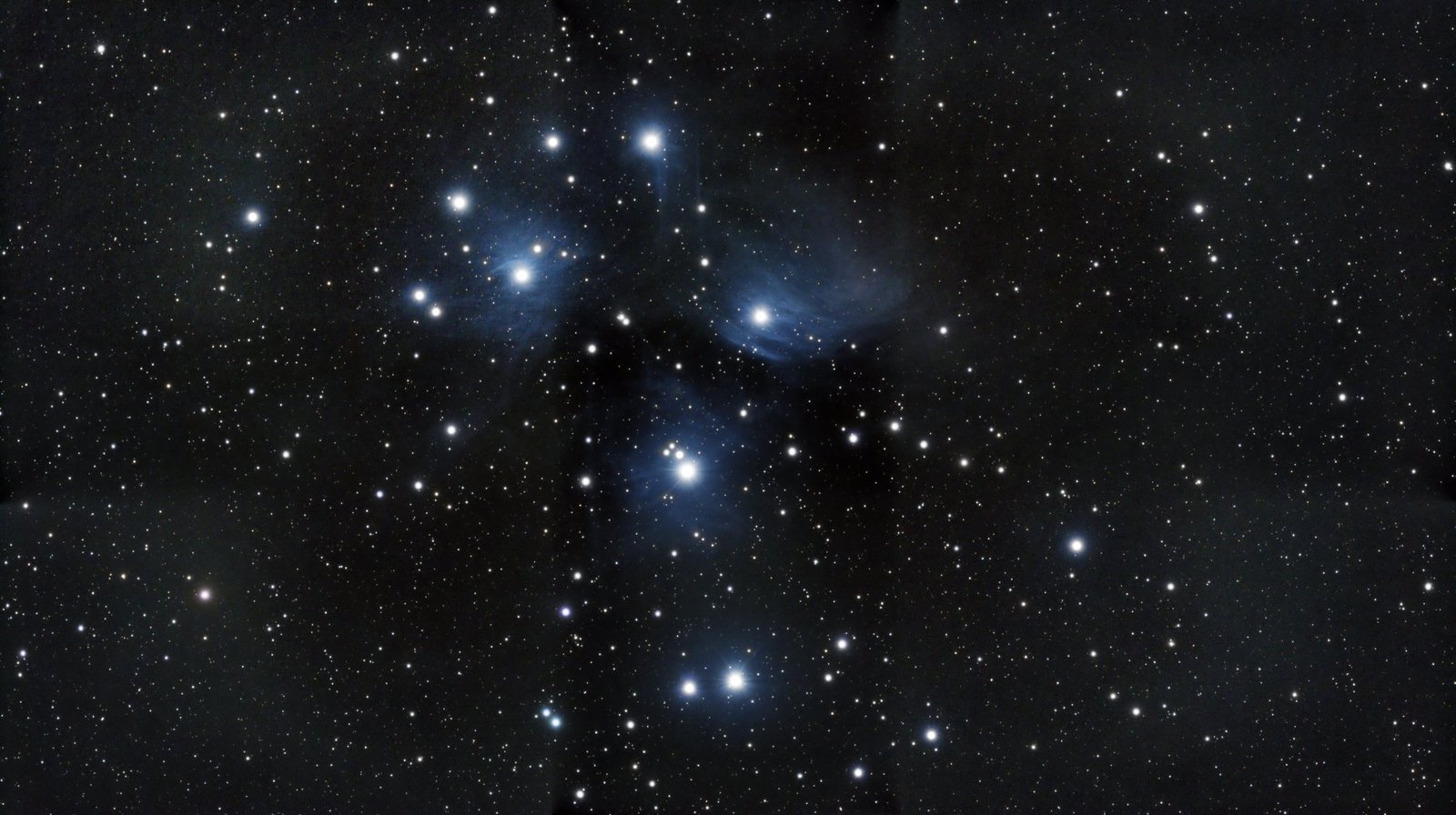
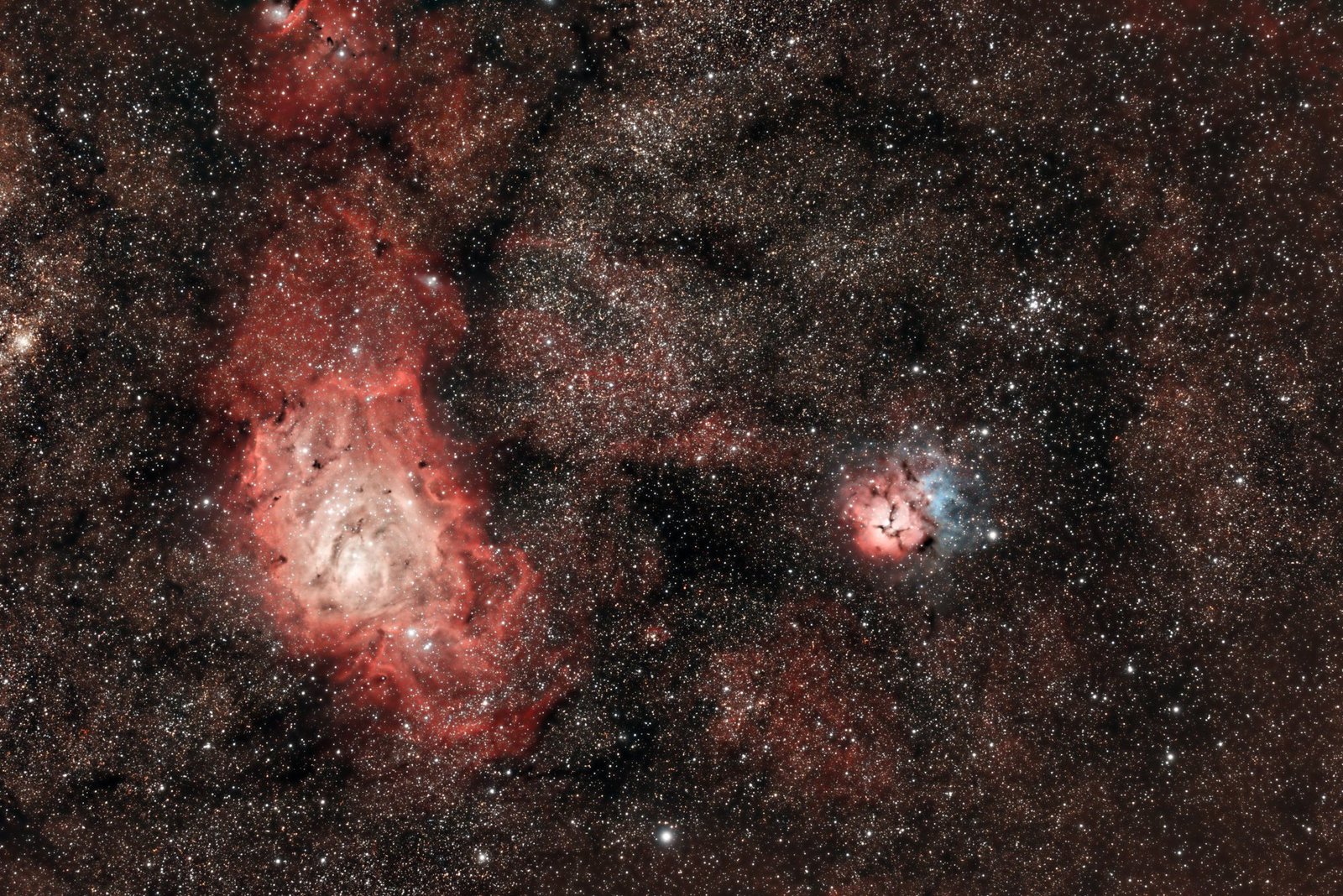
Every image here was processed by PixAstro in automatic mode, straight from the camera files — no manual adjustments.
Windows 10/11, 64-bit · single .exe, no installer
macOS 12+, Apple Silicon · signed and notarized .dmg
x86-64, glibc 2.35+ (Ubuntu 22.04, Debian 12, Fedora 36…)
The Windows executable is not code-signed: the first time, SmartScreen may say “Windows protected your PC”. Click More info → Run anyway.